
 Custom Websites
 Custom Logo Design
 Video Animation
 Expert SEO Services
 WP Support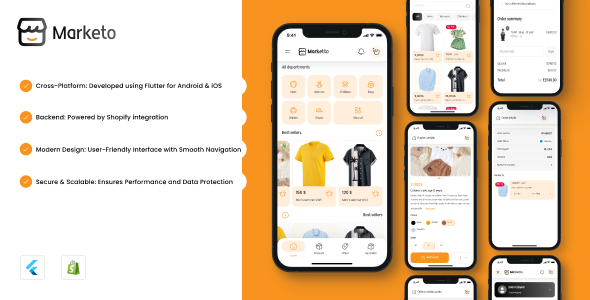
Marketo Flutter eCommerce App with Shopify Integration
$12.00
Marketo – Flutter E-Commerce App with Shopify Integration
Marketo Shopify
The Ultimate E-Commerce User Flutter App with Shopify Integration
Project Overview
Marketo Shopify delivers a seamless Flutter application tailored
for users,
enhancing their shopping experience. Designed to integrate with Shopify, it provides a clean and
efficient platform for browsing and purchasing products directly from your Shopify store.
E-Commerce Ready
- Complete shopping experience
- Product browsing & search
- Cart management
- Order tracking
Shopify Powered
- Direct Shopify integration
- Real-time product sync
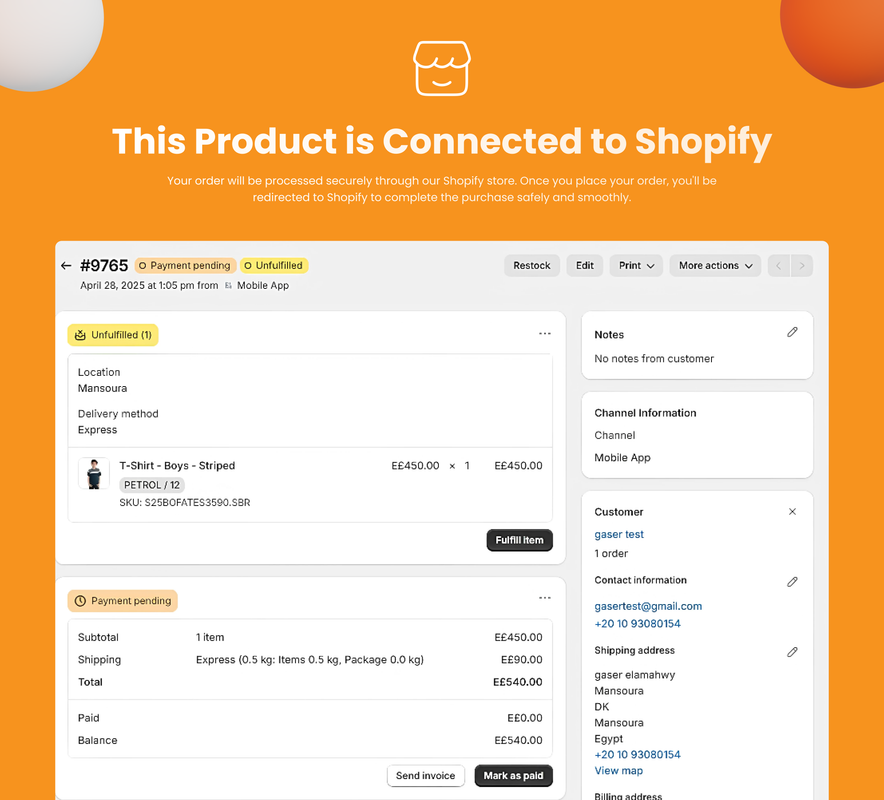
- Secure checkout process
- Inventory management
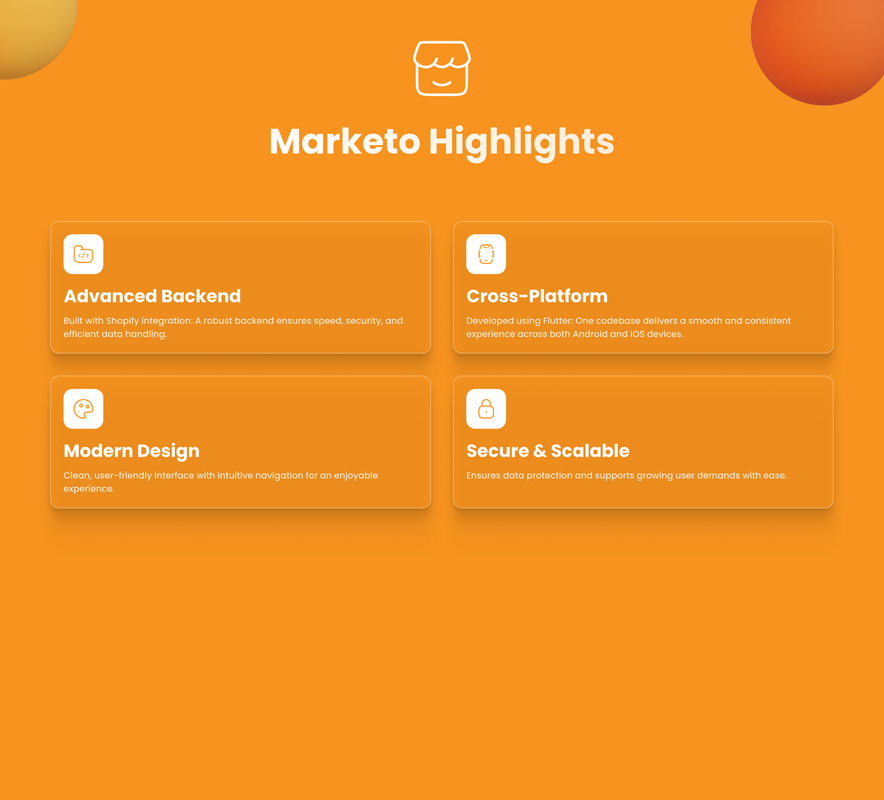
Flutter Built
- Cross-platform compatibility
- Native performance
- Beautiful UI/UX
- Responsive design
App Screenshots
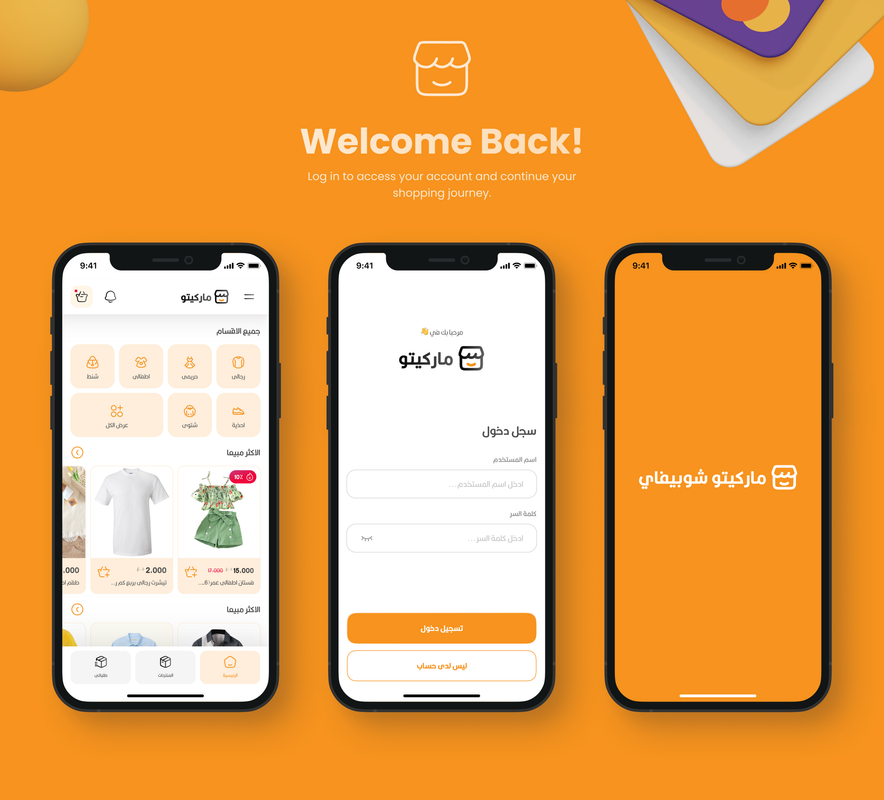
Welcome Screen
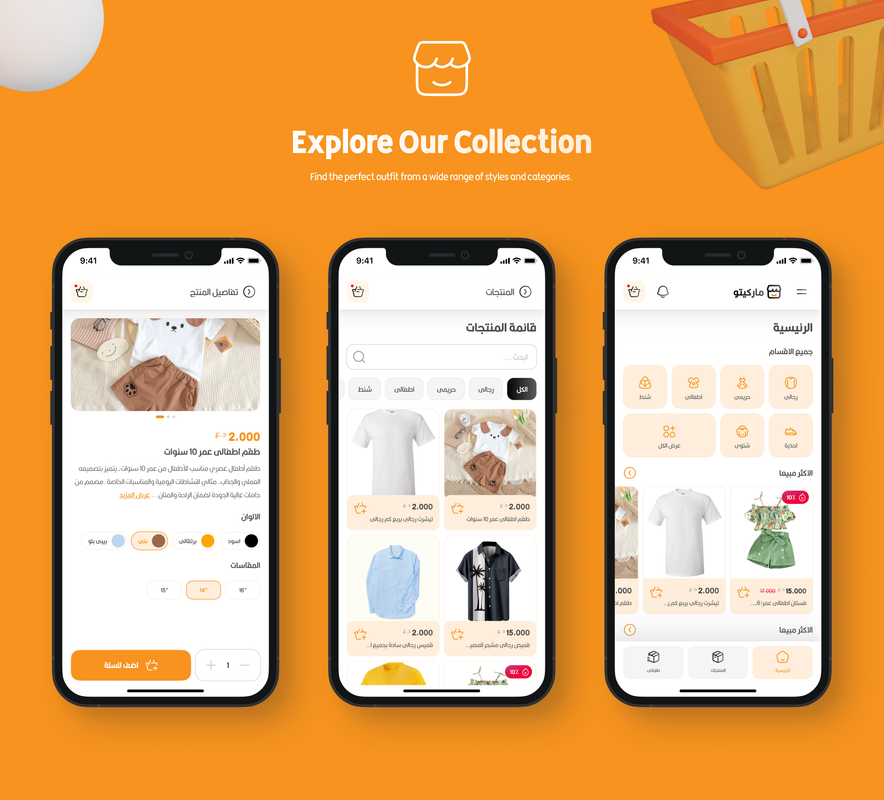
Product Collection

Product Preview
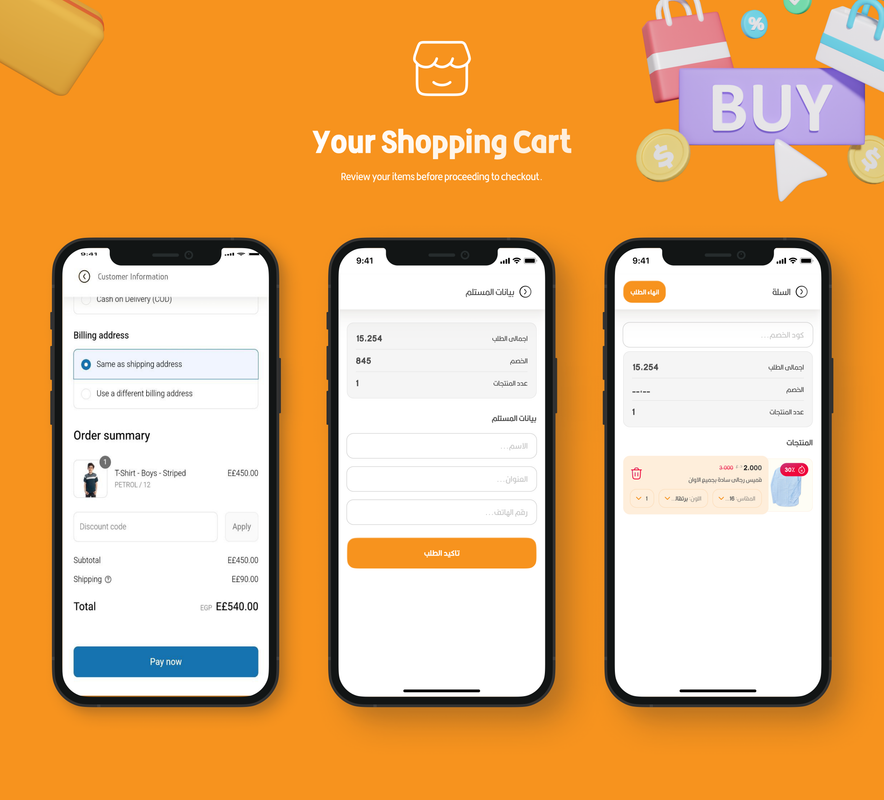
Shopping Cart
App Interface
Product Details
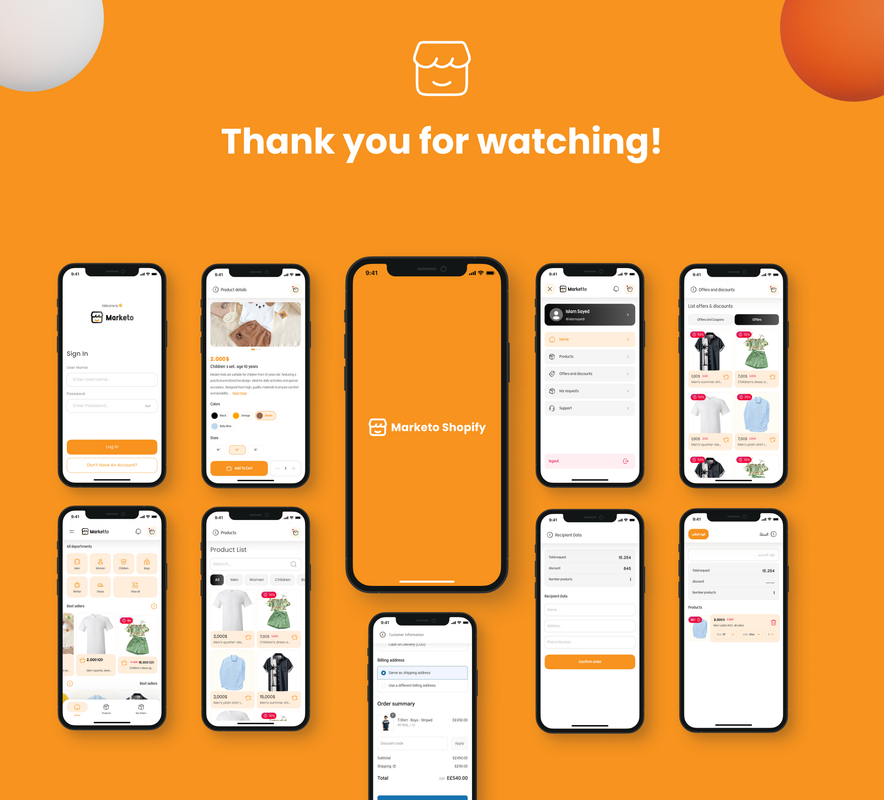
Category View
Search Results
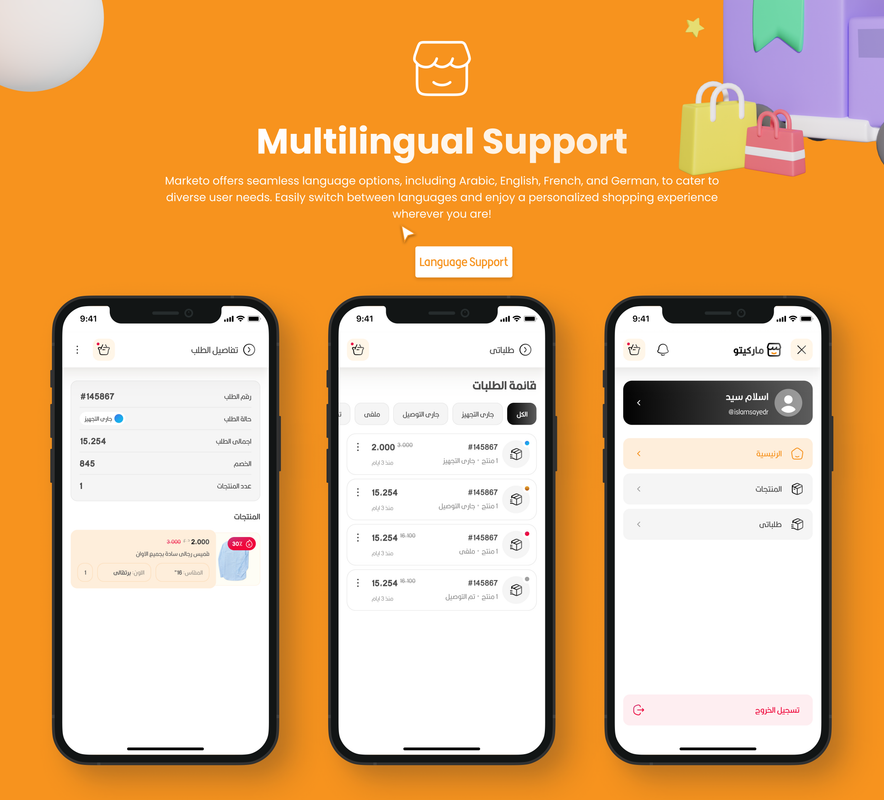
User Profile
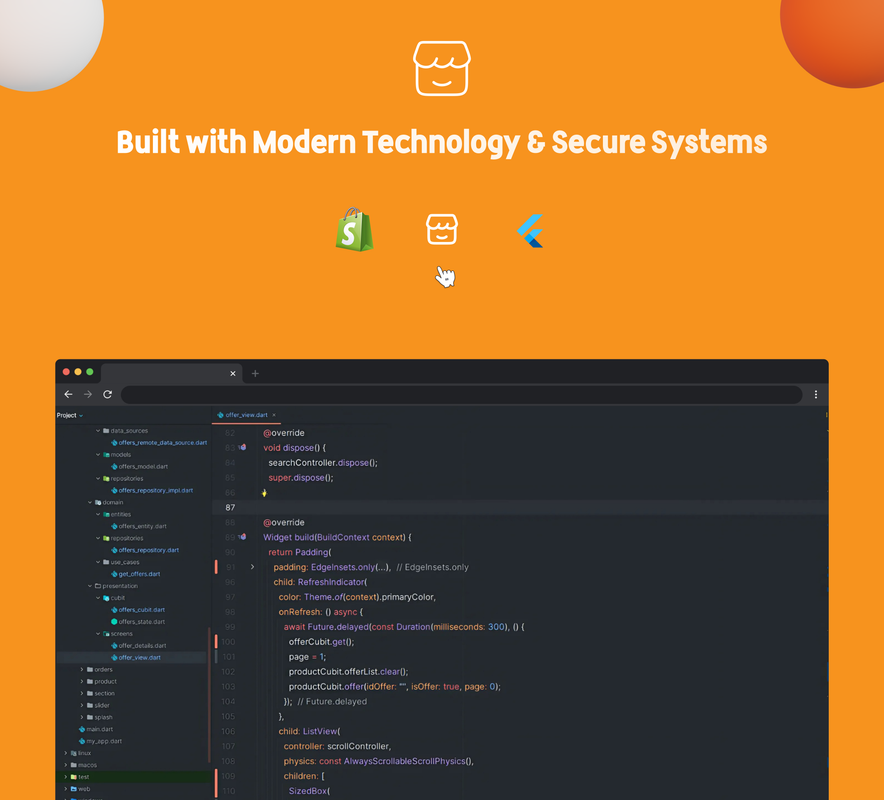
Code Structure
️ Shopify Integration
Quick Setup Guide
1-Create Shopify App
Navigate to Settings → Apps → App Development → Create an App
2-Generate Tokens
Create Admin API and Storefront API access tokens
3-Set Permissions
Configure read/write permissions for products and collections
4-Configure App
Update GraphQL configuration with your tokens
API Token Comparison
| Token Type | Admin API Token | Storefront API Token |
|---|---|---|
| Usage | Backend operations (REST/GraphQL) | Frontend customer interactions (GraphQL) |
| Header | X-Shopify-Access-Token | X-Shopify-Storefront-Access-Token |
| Access Level | Full store management | Limited to storefront data |
Required Permissions
- read_products – View product information
- write_products – Manage product data
- read_collections – Access product collections
- write_collections – Manage collections
✨ App Features
Product Discovery
- Browse by main categories
- Search products by name
- Filter by attributes
- View “Limited Quantity” items
- Explore “New Arrivals”
Personalized Experience
- Categorized product browsing
- Personalized recommendations
- Browsing history tracking
- Special offers & deals
Shopping Features
- Detailed product pages
- Product variants support
- Shopping cart management
- Coupon application
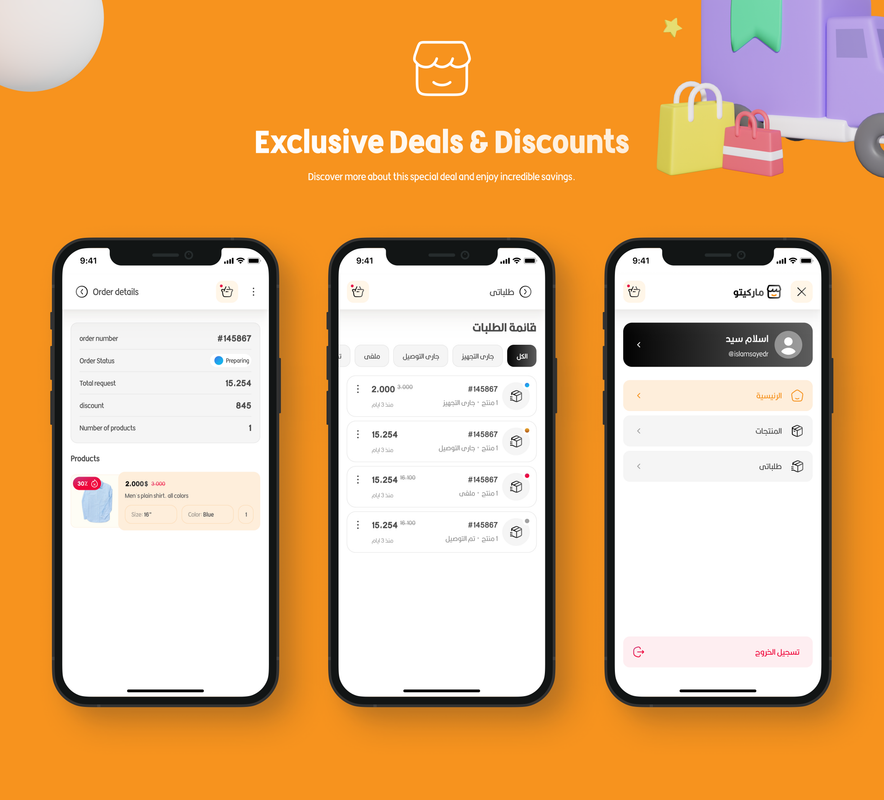
- Order tracking
Key App Screens
Home Screen
Category Browse
Product Search
Product Details
Shopping Cart
Shopify Checkout
Order History
Account Management
Order Processing Flow
- Product selection with variant options
- Shopping cart management
- Coupon application
- Shipping information collection
- Order confirmation with unique ID
- Real-time status tracking
⚙️ Technical Specifications
Multilingual Support
- Arabic (ar)
- English (en)
- Easy to add more languages
Flutter Dependencies
- graphql_flutter – Shopify GraphQL
- flutter_inappwebview – Checkout
- easy_localization – Multi-language
- flutter_bloc – State management
- cached_network_image – Images
- hive – Local storage
Shopify Requirements
- Active Shopify store
- API access enabled
- Admin & Storefront tokens
- GraphQL configuration
- Product permissions
Installation Guide
Prerequisites
- Flutter SDK installed (Flutter.dev)
- VS Code or Android Studio
- Android emulator or physical device
- Active Shopify store with API access
Troubleshooting: If Flutter pub get fails, ensure your pubspec.yaml is correctly formatted and run ‘flutter
clean’ first.
Quick Start
# Clone the repository
git clone [repository-url]
# Navigate to project directory
cd marketo_shopify
# Install dependencies
flutter pub get
# Run the app
flutter run
1-Download & Extract
Extract the project files to your desired location. Verify all files are present, including
pubspec.yaml.
2-Install Dependencies
Run flutter pub get in the project directory. This installs all packages listed in
pubspec.yaml.
3-Configure Shopify
Update GraphQL configuration with your tokens in lib/core/databases/graphql/graph_ql.dart.
4-Run & Test
Launch the app and test with your Shopify store. Use ‘flutter run—debug’ for debugging.
Dependencies Table
| Package | Purpose | Version Requirement |
|---|---|---|
| graphql_flutter | Shopify API integration | 5.0.0 |
| flutter_inappwebview | In-app checkout | 5.3.2 |
| easy_localization | Multi-language support | 3.0.0 |
| flutter_bloc | State management | 8.0.0 |
| cached_network_image | Image caching | 3.2.0 |
| hive | Local database | 2.0.4 |
Configuration
Project Structure
marketo_shopify/
├── lib/
│ ├── core/
│ │ ├── databases/
│ │ │ └── graphql/
│ │ │ └── graph_ql.dart
│ │ └── enum/
│ │ └── enums.dart
│ ├── features/
│ └── main.dart
├── assets/
│ ├── lang/
│ │ ├── ar.json
│ │ └── en.json
│ ├── fonts/
│ └── icons/
└── pubspec.yaml
Key Files
- graph_ql.dart – Shopify GraphQL setup (add your API tokens here)
- enums.dart – Language configuration
- assets/lang/ – Translation files (add new languages as JSON)
- pubspec.yaml – Dependencies and assets declaration
Adding Languages
- Create JSON file in assets/lang/ (e.g., fr.json)
- Update supportedLocales in main.dart
- Add to languageList in enums.dart
- Use en.json as reference; test with ‘flutter run—locale=fr’
Shopify Store Setup
- Products with variants & pricing
- Collections organized
- API permissions configured (read/write for products/collections)
- Tokens generated & active; regenerate if expired
Language Configuration Example
{
“welcome”: “Welcome to Marketo Shopify”,
“products”: “Products”,
“cart”: “Shopping Cart”,
“checkout”: “Checkout”
}
Troubleshooting: If localization fails, ensure assets are declared in pubspec.yaml under flutter: assets.
Get Started Today
Ready to integrate Marketo with your Shopify store? Follow our comprehensive setup guide to get started!
Quick Setup
Steps:
1. Configure your Shopify API tokens
2. Update GraphQL configuration
3. Run flutter pub get
4. Launch your app with flutter run
Created by MDSoft
Professional Flutter & E-Commerce Development
Created: September 2025
| Compatible Software | Flutter 3.x |
|---|---|
| Demo Url | https://marketo.md Iraqsoft.com/uploads/index.html |
| Mobile Files Included | Dart |
| Video Preview Resolution |
Only logged in customers who have purchased this product may leave a review.

Reviews
There are no reviews yet.